![logo-rlk-white.svg]](https://ai.reportlinker.com/hubfs/rlk-publique/logos/logo-rlk-white.svg)
A Feed can contain multiple types of sources. You can organize your Feeds per topic or source type, the choices are multiple.
To add a new source to your Feed, two options arise:
1. For a newly created Feed, the screen you land on once your Feed is selected will directly give you the option to add a source type. Just click on the source type you want to add, and a pop-up will appear asking you to configure the source.
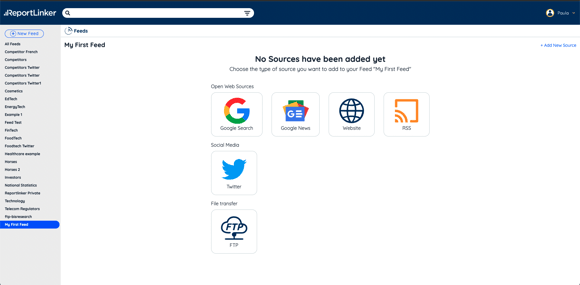
Add a source by selecting the type of source you have in mind.
2. For Feeds that have already been populated with sources, you will find the "+ Add new Source" button on the top right part of the screen:
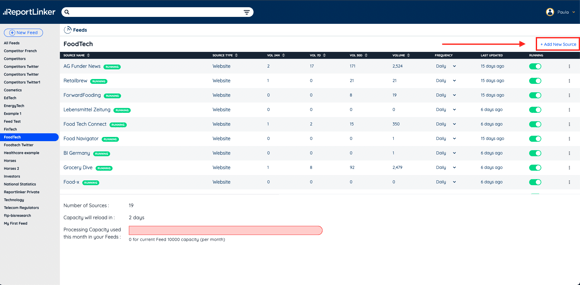 Click on the +Add new sources button to see the pop-up with the source options appear
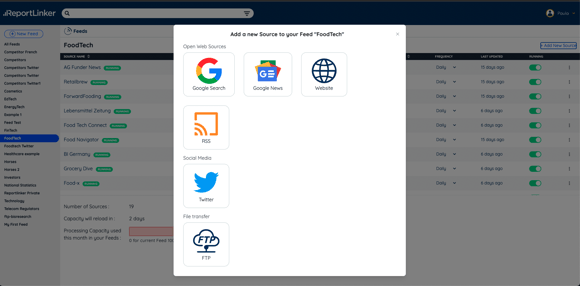 Select your source type and input the information needed