![logo-rlk-white.svg]](https://ai.reportlinker.com/hubfs/rlk-publique/logos/logo-rlk-white.svg)
If you want to update a monitoring job, you can do so in a few simple steps.
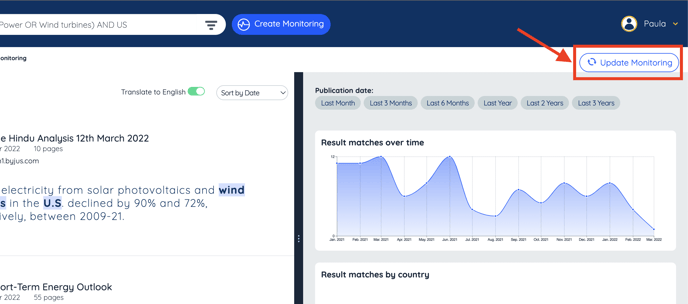
Once you search updated, simply click on update monitoring job under your username on the top right part of your screen.
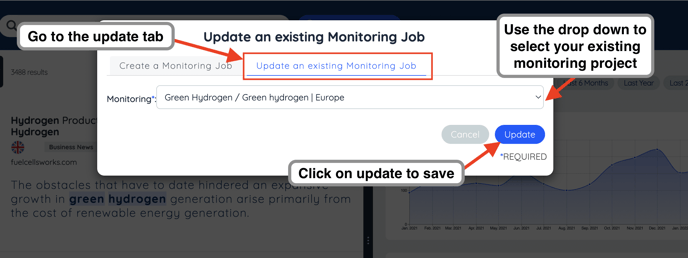
Or you can also update a monitoring job by clicking on Create Monitoring on the right side of the search bar, and then selecting the tab Update Monitoring job :